


Welcome To People Logistics - Traveler Guide
Accelerating asset ambitions through technical services and social value
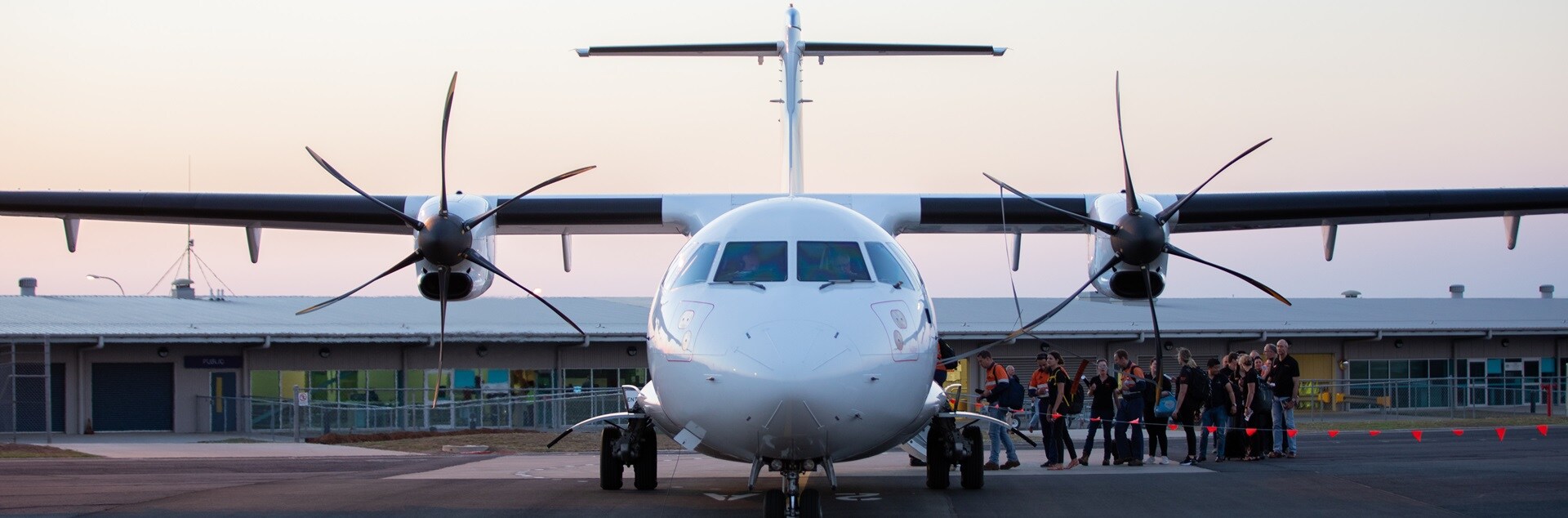
Providing key training and knowledge for all travelers to be empowered to create, modify and update travel requirement based on individual and site requirements.
Flights





All things accomodation
Accommodation Booking User Guide
Sole Use room user guide
B2B Permanent Room Application
No Show Process
Workflow access and system training
-
How to create a booking

-
How to create a flights only booking
-
How to add or reactivate a profile
-
How to create a leave request
-
How to create a NON BAU booking
-
How to demobilise a profile
-
How to make changes to a traveller profile
-
How to remove a booking
-
How to reschedule a booking
-
Roster booking
-
Create a New User Guide in Workflowpdf

Shutdown or non BAU requests

Feedback
Your feedback is very important to us and our goal is to be better with our service.
Please take a moment to share your thoughts by completing our brief survey here.
You can also scan the below QR code